
Free
$0
Every web app, with no account required.
- Thryve PDF, Photo, Media and Invoice
- 10 exports a month for each action
- No account or card required
Resize, cut out, watermark, convert and clean up images. Files open in this tab and are never uploaded.
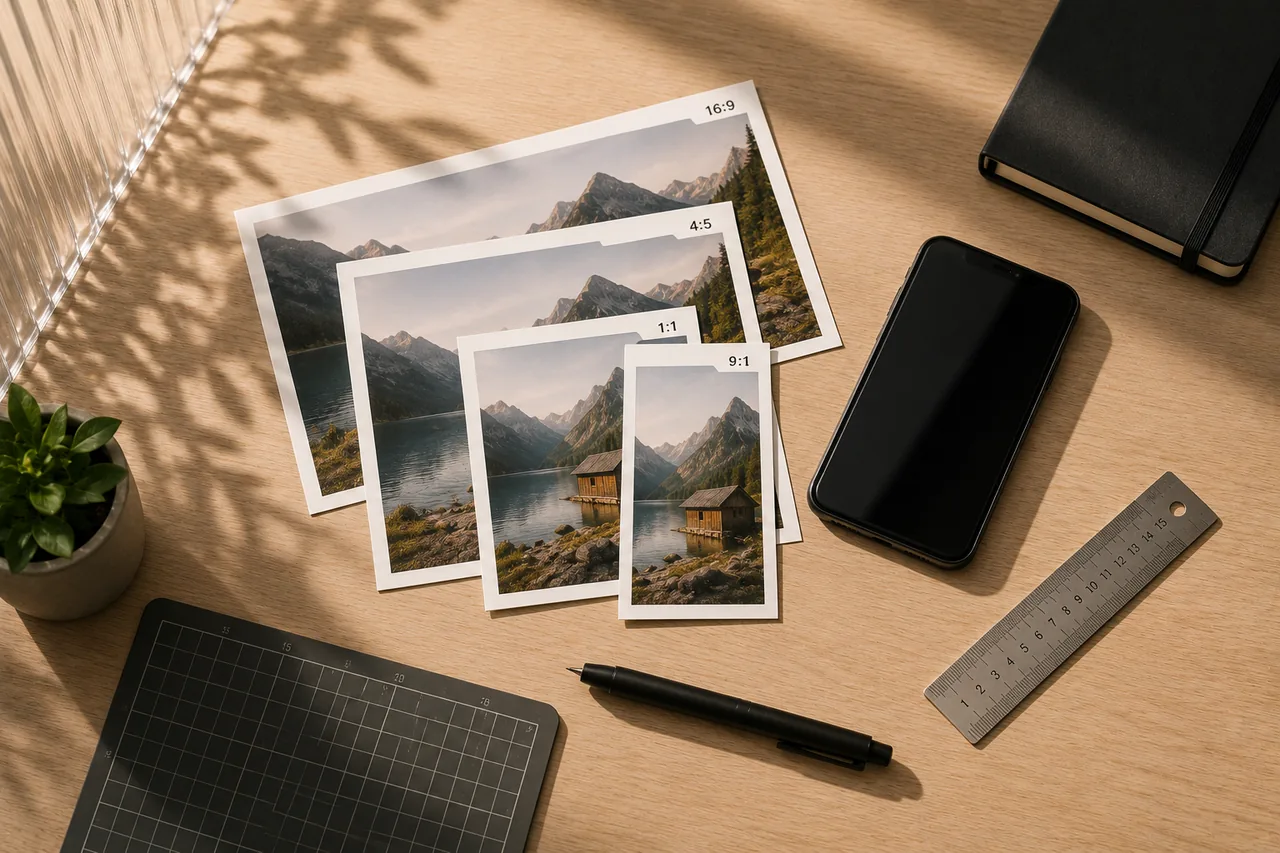
Set exact sizes with presets for the places you post, crop to fit, one image or a batch.
Change an image between JPG, PNG, WebP, AVIF and other common formats.
Make JPG, PNG and WebP files smaller at a level you choose, one image or a batch.
Black out names, numbers and addresses in a photo or scan. You approve every suggestion.
Lift the subject off its background with a model that runs on your device.
Turn PNG, WebP and other images into JPG files.
Strip location, camera and edit details (EXIF) from JPG, PNG, WebP and HEIC photos.
Add a text or logo watermark, place it where you want it and apply it to every image.
Turn JPG, WebP and other images into lossless PNG files.
Put a screenshot on a gradient background inside a browser or device frame.
Turn JPG, PNG and other images into smaller WebP files.
Open iPhone HEIC photos and save them as JPG files.

The full detail is in the privacy policy and terms.
Free to use with monthly export limits, no account needed. Thryve Pro removes the limits in all four web apps for $9.99, paid once.
$0
Every web app, with no account required.
$9.99one-time
Every web app, without limits.
 Declutter!A cozy puzzle game about tidy drawers.Android
 PANAMYour money in one place, kept on your phone.Android
 Desi BlocksA block puzzle with a desi heart.Android
 DockieA shelf at the top of your screen.Windows