
Free
$0
Every web app, with no account required.
- Thryve PDF, Photo, Media and Invoice
- 10 exports a month for each action
- No account or card required
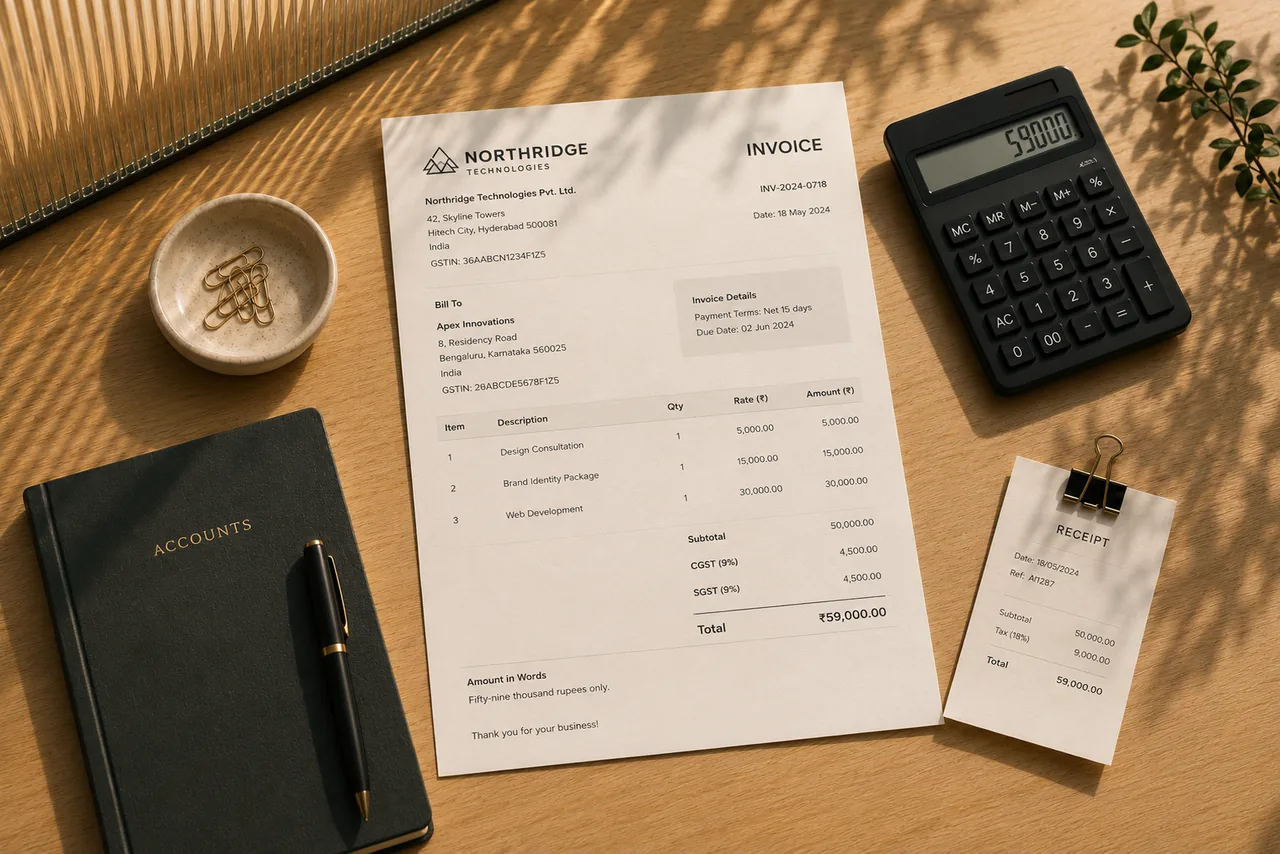
Add your business, your client and the line items, then export a PDF. Your documents are saved in this browser and never uploaded.
Create an invoice
Import invoice backup
The full detail is in the privacy policy and terms.
Free to use with monthly export limits, no account needed. Thryve Pro removes the limits in all four web apps for $9.99, paid once.
$0
Every web app, with no account required.
$9.99one-time
Every web app, without limits.
 Declutter!A cozy puzzle game about tidy drawers.Android
 PANAMYour money in one place, kept on your phone.Android
 Desi BlocksA block puzzle with a desi heart.Android
 DockieA shelf at the top of your screen.Windows